What is the most common website redesign mistake?
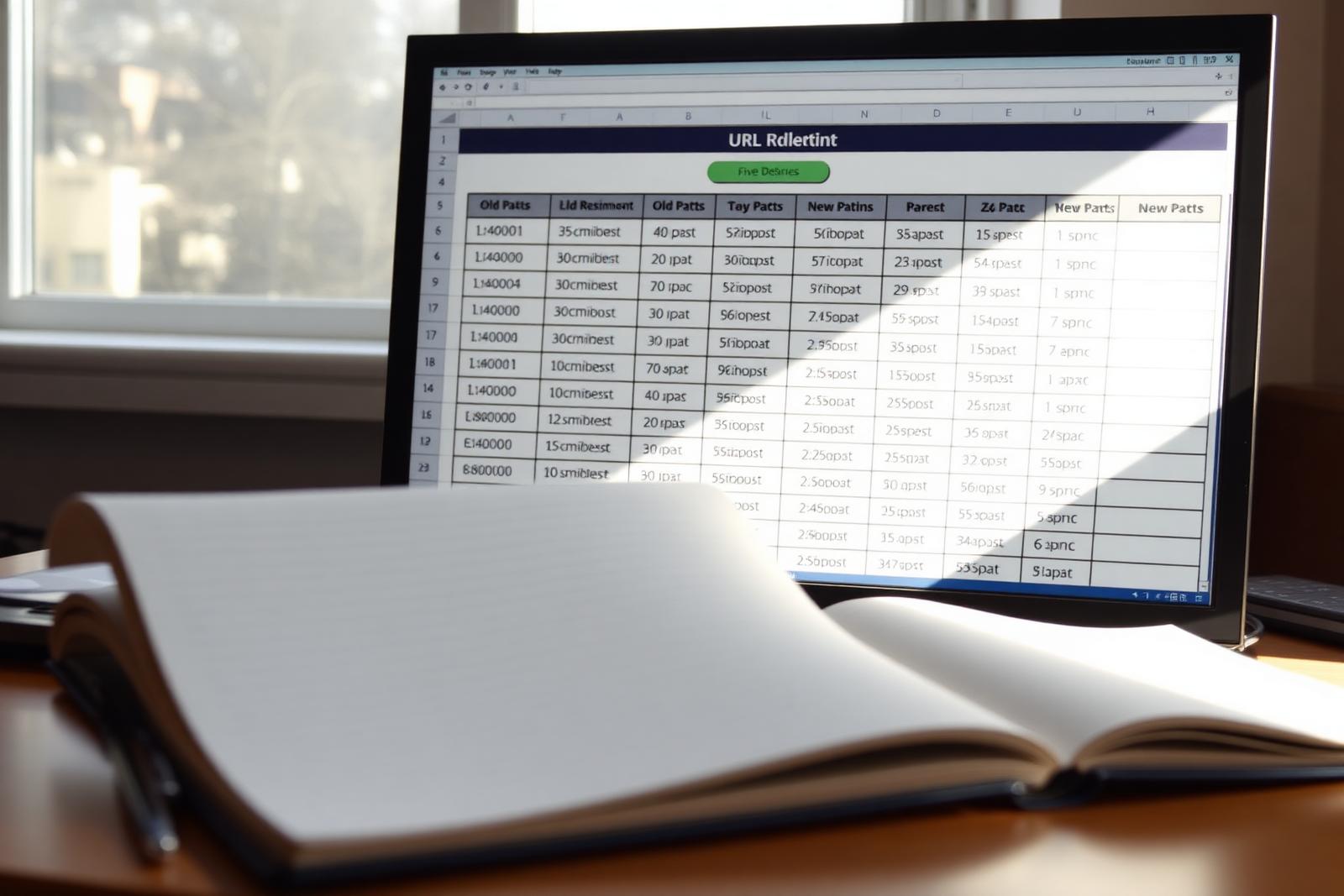
The most common mistake is launching a new design without a URL inventory and redirect map. Traffic drops the day after go-live, nobody can attribute the loss to a specific cause, and by the time the issue is diagnosed, weeks of rankings and revenue are gone.
The recovery cost — emergency SEO consulting, backfilled redirect maps, and the pipeline lost during the drop — is usually a multiple of what a careful migration plan would have cost upfront.
The most common mistake is launching a new design without a URL inventory and redirect map. Traffic drops the day after go-live, nobody can attribute the loss to a specific cause, and by the time the issue is diagnosed, weeks of rankings and revenue are gone.
What do you do before touching design?
Inventory every URL, benchmark performance, and export search data. Establish what 'not worse' looks like in numbers so you can measure the migration honestly. Skipping the pre-launch benchmark is how teams end up debating whether traffic really did drop three months later.
- Full crawl of the current site (Screaming Frog or equivalent)
- Traffic, ranking, and conversion benchmarks by page — export the top 100 URLs
- Backlink inventory for high-authority URLs (Ahrefs, Majestic, or similar)
- Content inventory: keep / rewrite / retire / merge decision per URL
How long does a website redesign take?
A small-to-mid marketing site redesign typically runs 8–14 weeks including audit, design, build, and pre-launch checks. Larger sites with 500+ URLs or heavy integrations run 14–24 weeks. Content decisions and feedback speed drive schedule more than visual design.
The biggest schedule variable is not design or development — it is how quickly stakeholders make content decisions on the audit inventory. A firm that can decide 'keep, rewrite, retire, merge' for each URL in two weeks ships faster than one that debates every page for two months.
Integration complexity is the second driver: CRM connections, marketing automation handoffs, and product feeds all extend the build phase. Estimate integration effort separately from page count.
What happens to rankings during a redesign?
During staging, nothing changes for live rankings. At launch, expect a small crawl-driven dip on some URLs as Google reprocesses them. With correct 301s, preserved canonicals, and preserved metadata, priority URLs recover to baseline within 2–8 weeks. Slower or partial recovery signals a specific misconfiguration to fix.
The dip is real and normal. Google needs to recrawl every changed URL, reprocess the redirect chain, and reassess the destination page. On a healthy migration the depth of the dip is small and the recovery is quick.
Where rankings genuinely fail to recover, the cause is almost always specific: a mistyped redirect, a canonical pointing at the wrong URL, a template that dropped structured data, or a robots directive that leaked from staging. Diagnose the specific URL, do not just wait longer.
How do you preserve SEO during design and build?
Preserve URLs when the content and intent survive. Redirect deliberately when they change. Never redirect en masse to the homepage. Keep metadata, structured data, and canonical strategy identical unless a specific URL genuinely needs to change them.
- 1:1 redirect map for every changed URL
- Metadata carried across (titles, descriptions, canonicals)
- Staging blocked from indexing — no accidental duplicate content
- Structured data validated before launch
- Priority-preserve URL list flagged separately and double-checked
Redesign vs full rebuild — which do you need?
Redesign when the site has SEO equity or brand recognition worth protecting. Rebuild when the site is a liability — outdated CMS, wrong architecture, no useful traffic. The decision is about what you would lose by starting over, not about what looks fresher.
| Signal | Points toward redesign | Points toward rebuild |
|---|---|---|
| Site has meaningful organic traffic today | Yes | No |
| Backlinks worth preserving | Yes | None or few |
| Current URL structure is coherent | Yes | Chaotic or platform-forced |
| Current CMS is maintainable | Yes | Legacy, unsupported |
| Editors like the current CMS | Yes | No — publishing has stalled |
| Brand is being repositioned | No | Yes |
What do you do at launch and after?
Crawl the live site immediately, watch Search Console daily for the first week, and compare the first 30 days of traffic to your pre-launch benchmarks page by page. A written migration report at the 30-day mark closes the loop and gives leadership a defensible summary.
If a priority URL underperforms, treat it as a specific bug rather than a general concern. Almost every 'redesign killed our SEO' story is really a story of one or two misconfigured URLs that were never diagnosed.
The same migration principles apply when rebuilding a pressure washing site without losing rankings.
Key takeaways
- Inventory first, redesign second
- A redirect map is not optional and never redirects en masse to the homepage
- Staging should never be indexable
- Priority-preserve URLs get their own list and their own attention
- Post-launch monitoring is part of the project, not an afterthought
FAQ
How long does search recovery take after a website redesign?
Typical recovery on priority URLs is 2–8 weeks if the migration is careful. Slower or partial recovery usually indicates a specific issue to diagnose — a misconfigured redirect, a canonical pointing at the wrong URL, or a robots directive that leaked from staging.
Should we redirect old URLs to the homepage if there is no direct match?
No. Google treats homepage-only redirects as soft 404s and eventually drops the source URLs from the index. Better options: redirect to the closest relevant category or hub page, or return a 410 Gone if there is no relevant destination at all.
Can we launch a redesign in stages instead of all at once?
For very large sites, yes — a phased launch by section can reduce risk. For most marketing sites under a few hundred URLs, phased launches introduce more risk than they remove because duplicate templates coexist during the transition.
Do we need to keep the same URL structure exactly?
Preserve URLs when the content and intent survive. Change them only when there is a concrete reason (broken structure, wrong language, exposed internal IDs). Cosmetic URL changes rarely pay back the migration cost.
Want help with this?
This is the work behind our SEO & Search Visibility service.
Related articles
Want to write for us?
We publish guest articles from practitioners in web design, SEO and digital marketing — with one receipt per pitch.